Create IntuitiveMobile Experienceswith UI/UX Design
Design mobile applications that are easy to understand, simple to navigate and enjoyable to use. Vibhas Tech combines UX research, mobile app UI design, user flows, wireframes and interactive prototypes to create thoughtful experiences for Android, iOS and other mobile applications.
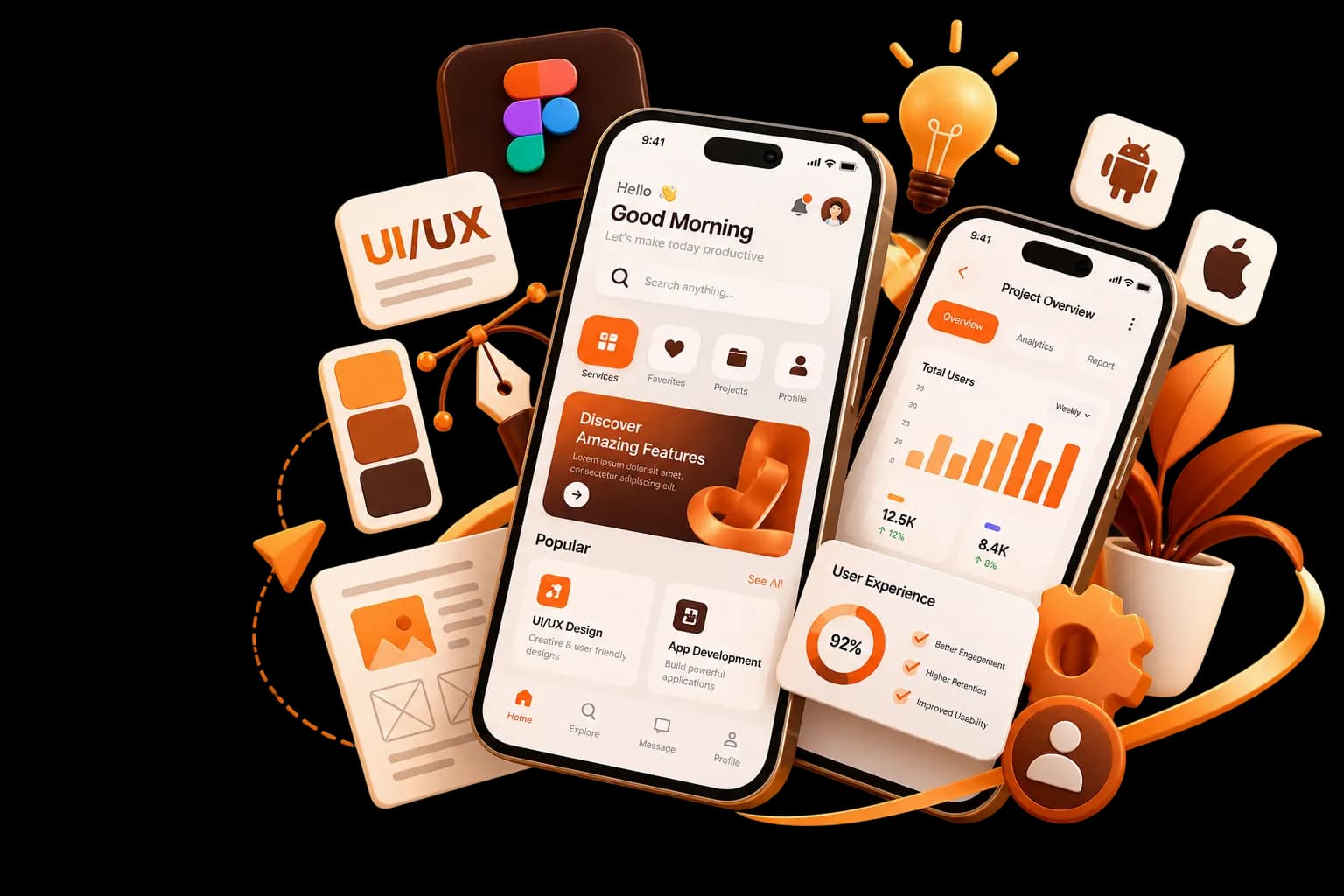
Design Mobile Experiences
Around Your Users
A successful mobile application needs more than attractive screens. Users should be able to understand the interface, navigate between features and complete important actions without unnecessary effort.
Vibhas Tech designs mobile app experiences by bringing together user needs, business objectives and practical product requirements. From early research and user flows to interface design and prototypes, we focus on creating mobile experiences that are clear, consistent and built around the way people actually use apps.
Research & Strategy
Understand user needs and map key journeys.
Structure & Wireframing
Establish layouts and functionality early.
UI Design & Prototyping
Create intuitive mobile interfaces and interactions.
A thoughtful UI/UX process helps create mobile apps that work better for your users and your business.
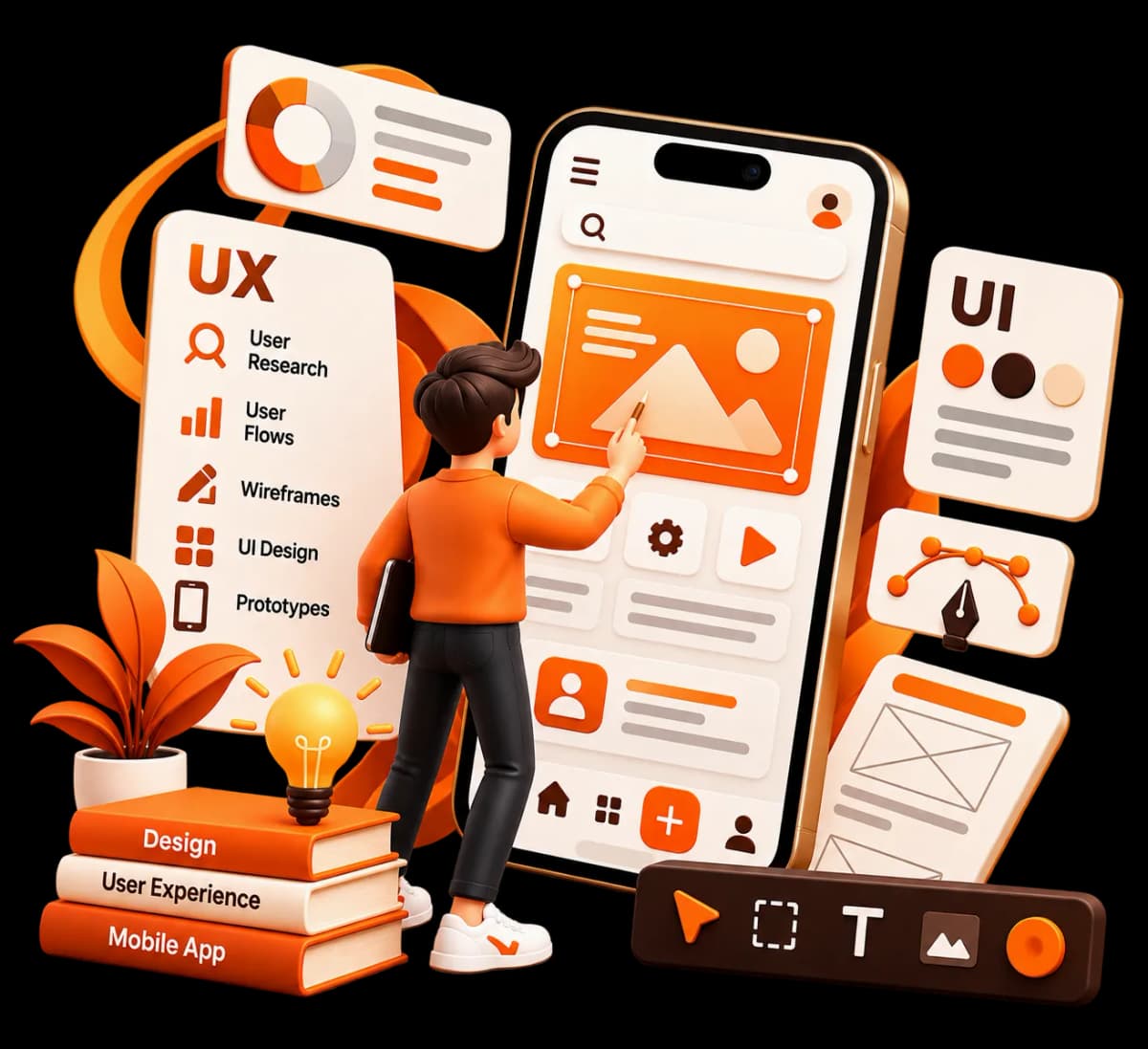
Make Every Mobile Interaction Simple and Intuitive
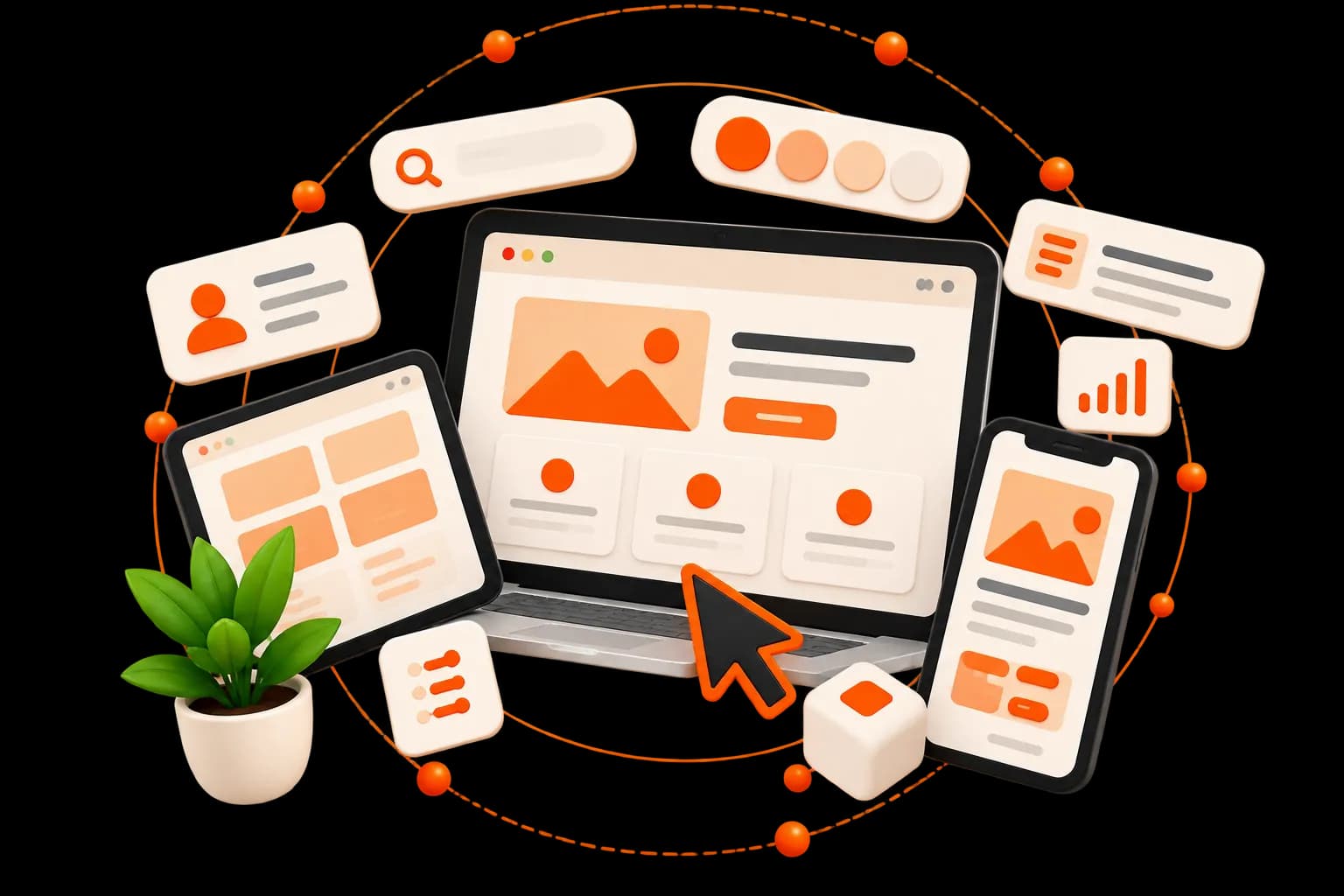
Mobile users interact with applications differently from desktop websites. Screen size, touch interactions, navigation patterns and device behaviour all influence how an app should be designed.
Our mobile app UI/UX design approach considers these factors from the beginning. We focus on clear navigation, touch-friendly interactions, visual hierarchy, responsive layouts and straightforward user journeys to create an experience that feels natural across mobile devices.
Mobile App UI/UX Design ServicesBuilt Around Your Product
Understand your users, their needs, expectations and challenges to establish a stronger foundation for your mobile application.
Learn More
Understand your users, their needs, expectations and challenges to establish a stronger foundation for your mobile application.
Define the overall experience and design direction around your users, product requirements and business goals.
Learn MoreMap the key journeys users take through your application and identify opportunities to simplify important interactions.
Learn MoreCreate structured wireframes to define screen layouts, content hierarchy and functionality before detailed UI design.
Learn MoreDesign intuitive iOS application experiences with layouts, navigation and interactions suited to Apple's mobile environment.
Learn MoreCreate Android app interfaces with practical navigation, touch interactions and layouts designed around different Android device requirements.
Learn MoreCreate visually consistent mobile interfaces using appropriate typography, spacing, colours, components and visual hierarchy.
Learn MoreCreate clickable prototypes that demonstrate screen transitions, interactions and important user journeys before development.
Learn More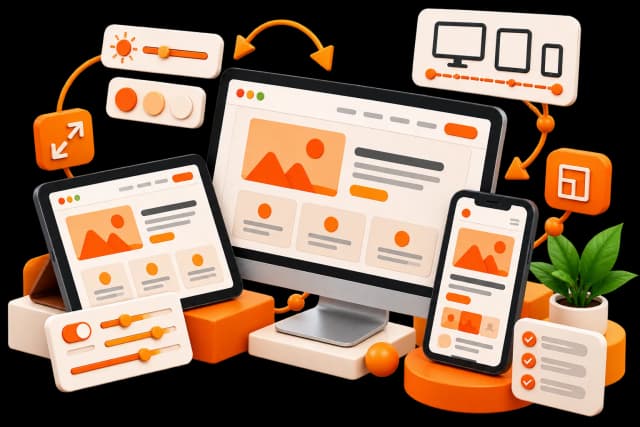
Develop reusable components, patterns and guidelines to maintain consistency across app screens and future product updates.
Learn MoreReview mobile experiences to identify navigation, interaction and usability issues and improve the overall product experience.
Learn MorePrepare organized design files, assets, specifications and interaction details to help developers implement the approved design.
Learn More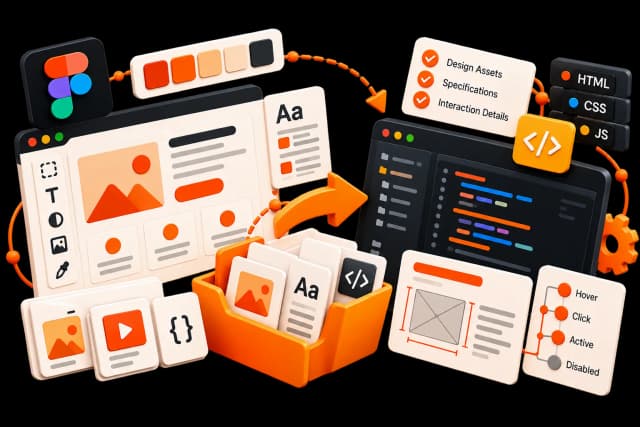
Building Mobile App Experiences
Around What Users Need
Simple Navigation
Create clear navigation structures that help users move between important areas of the application.
User Flow
Build logical journeys that help users complete important tasks with fewer unnecessary steps.
Responsive & Adaptive Layouts
Consider different screen sizes and device environments so the interface remains practical across mobile devices.
Accessibility & Usability
Consider readability, interaction clarity and inclusive design principles when developing the mobile experience.
Touch-Friendly Interactions
Design buttons, controls and interactive elements with mobile usage and touch behaviour in mind.
Visual Hierarchy
Use typography, spacing, layout and visual elements to guide attention and make information easier to understand.
Consistent UI Components
Use reusable interface elements and design patterns to maintain consistency throughout the application.
Product Goals
Balance user needs with the business objectives, features and practical requirements of the application.
A Clear Approach to
Mobile App UI/UX Design
Understand
We learn about your application, target users, business goals, features and product requirements.
Research
We research users, competitors, existing applications and relevant mobile experience patterns.
Structure
We define information architecture, navigation and important user journeys.
Wireframe
We create wireframes to establish screen structure and functionality before moving into detailed visual design.
Test & Improve
We review the design, identify usability issues and refine the experience before development.
Prototype
We connect screens and interactions into an interactive prototype to demonstrate the intended app experience.
Design
We develop the mobile interface, visual system and interaction patterns around the approved experience.
Understand
We learn about your application, target users, business goals, features and product requirements.
Research
We research users, competitors, existing applications and relevant mobile experience patterns.
Structure
We define information architecture, navigation and important user journeys.
Wireframe
We create wireframes to establish screen structure and functionality before moving into detailed visual design.
Design
We develop the mobile interface, visual system and interaction patterns around the approved experience.
Prototype
We connect screens and interactions into an interactive prototype to demonstrate the intended app experience.
Test & Improve
We review the design, identify usability issues and refine the experience before development.
Mobile App UI/UX Design With a
User-Focused Approach
Mobile-First Thinking
We design around the specific requirements of mobile users rather than simply adapting a desktop experience.
User-Centered Design
We consider user needs, behaviour and expectations throughout the design process.
Strategy Before Visual Design
We focus on understanding the product structure and user journey before moving into detailed interface design.

iOS & Android Understanding
We consider the different interaction patterns and design requirements involved in creating mobile experiences for iOS and Android.
Consistent Design Systems
We create reusable components and patterns that can support a consistent application experience.
Development-Aware Design
We consider practical implementation requirements so the design can move more smoothly from concept to development.
What Strong Mobile App UI/UX Design Can Help Your Product Achieve
Easier App Navigation
Help users move through the application with clearer and more predictable navigation.
Better Usability
Reduce unnecessary complexity and make important app functions easier to understand and use.
More Consistent Interfaces
Create a consistent visual and interaction experience across different screens.
Stronger User Experience
Give users a more intuitive way to interact with your application and its features.
Clearer Product Communication
Use interface design and content hierarchy to make important information easier to understand.
Stronger Product Foundation
Create a structured design foundation that can support future features, updates and product improvements.
How Mobile App UI/UX Design Works With App Development
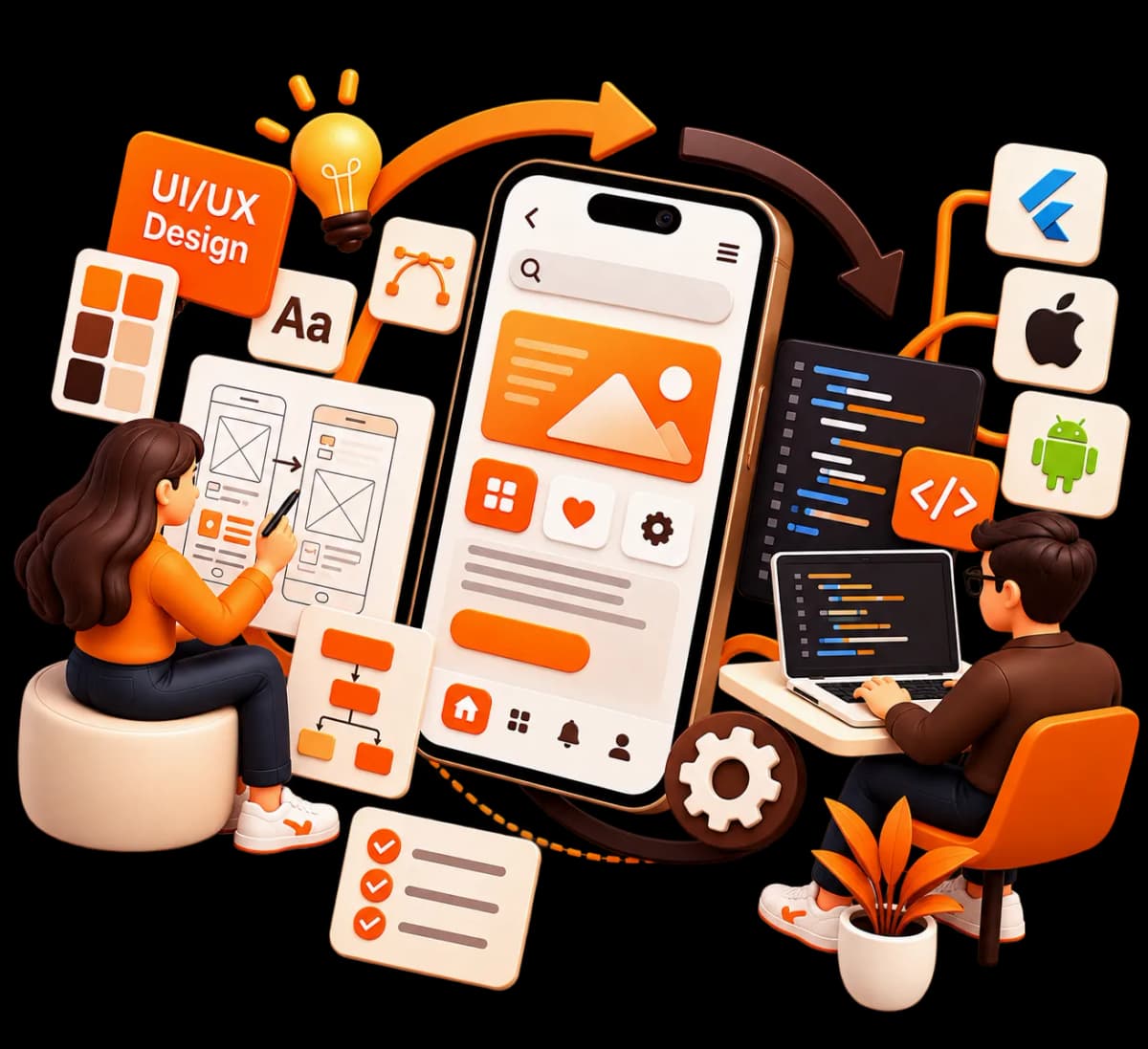
UI/UX design defines how a mobile application should look, work and feel, while app development turns that design into a functional product. Bringing both areas together helps teams identify usability and interaction issues before development begins.
A strong mobile app design foundation can help developers understand screen layouts, user flows, components and interactions more clearly. It can also make future product updates easier by establishing reusable design patterns and a consistent interface.
For businesses building a new application or improving an existing one, UI/UX design can be an important part of creating a more useful and understandable digital product.
Mobile App UI/UX Design for Businesses
Building Better Products
Our mobile app UI/UX design services can support:
Frequently Asked Questions About Mobile App UI/UX Design
Our services can include UX research, user flows, information architecture, wireframes, UI design, interactive prototypes, design systems, usability testing and developer handoff.
Yes. We can design mobile experiences for Android and iOS while considering the different interaction patterns, screen sizes and platform requirements.
Yes. Wireframes help define screen structure, content hierarchy, navigation and functionality before detailed visual design begins.
Yes. Interactive prototypes can demonstrate screen transitions, user journeys and important interactions before development starts.
Yes. An existing app can be reviewed to identify usability, navigation and interface issues before developing a revised design direction.
A clearer and more intuitive experience can make it easier for users to interact with an application. Actual engagement depends on many factors, including the product, audience, features and overall experience.
Yes. Mobile UI/UX design can be planned according to the requirements of the application and the platforms on which it will be used.
The timeline depends on the number of screens, product complexity, research requirements, features, revisions and prototype requirements.
Ready to Create a
Better Mobile App Experience?
Build a mobile application that is easier to navigate, understand and use. Let’s discuss your product requirements and create a practical UI/UX design approach for your app.